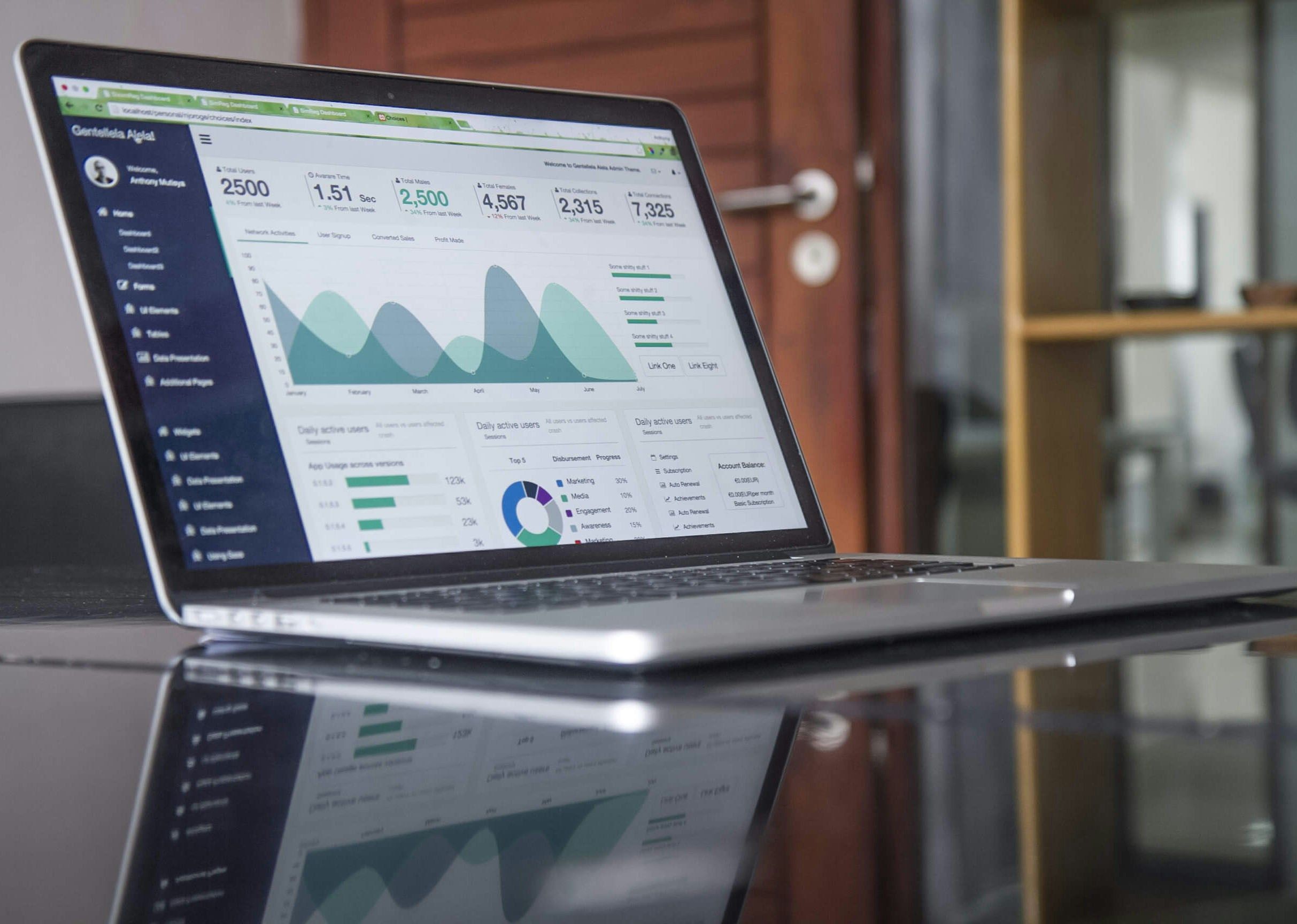
When people hear “Dev, Test, Prod,” they usually think of large enterprises with complex IT systems and dedicated infrastructure teams. Smaller organizations? Not so much.
In fact, many small and mid-sized businesses skip these structured environments altogether, treating dashboard development like a live-action experiment—building directly in production, hoping nothing breaks, and crossing their fingers that no executive sees a half-finished viz.
But here’s the truth: A proper development workflow isn’t just for massive corporations. It’s a game-changer for anyone creating dashboards.
Let’s break down why a Dev, Test, Prod setup is crucial—even if you’re working with a small team.
What Is "Dev, Test, Prod" and Why Does It Matter?
At its core, a Dev, Test, Prod environment is a structured approach to development that keeps mistakes from going live and ensures dashboards are accurate, performant, and reliable.
Here’s how it works:
Development (Dev) – This is where dashboards are built, tweaked, and experimented on. Messy data? Unfinished charts? Testing a new KPI? It all happens here.
Testing (Test) – The dashboard moves here for QA and stakeholder feedback. It’s where performance checks, user testing, and security reviews happen before anything goes live.
Production (Prod) – The final, polished version. This is the version executives see, business users rely on, and where everything should work perfectly.
🚨 Without this structure, here’s what happens:
A broken or unfinished dashboard gets published, and users panic.
A last-minute calculation change messes up key business metrics.
A slow dashboard gets rolled out, frustrating users and reducing adoption.
A Dev, Test, Prod setup prevents all of that by adding checks and balances before a dashboard is seen by its intended audience.
"We’re a Small Team. Do We Really Need This?"
Yes.
Even if you’re a team of one, separating development from production can save you from headaches down the line.
Here’s why:
1️⃣ Mistakes Happen (and That’s Okay, If You Catch Them Early)
Even the best developers make mistakes. A mislabeled metric, a broken filter, or a rogue row of data can completely change a business decision if it goes unnoticed. Having a Test phase ensures someone catches it before it hits Production.
2️⃣ Performance Matters
A dashboard might look great in Dev, but how does it handle real-world data? Test environments allow you to check performance before users start complaining that a report takes forever to load.
3️⃣ Stakeholder Feedback Shouldn’t Derail Everything
How many times has a stakeholder requested one more tweak just as you're about to publish? A Test environment lets them review and provide feedback before the dashboard goes live—without messing up production data.
4️⃣ Version Control and Reproducibility
If you’re constantly tweaking live dashboards, how do you track what changed? What happens if you need to roll back to a previous version? A structured workflow keeps historical versions intact and prevents accidental overwrites.
How to Set Up a Simple "Dev, Test, Prod" Workflow
You don’t need enterprise-level infrastructure to implement a Dev, Test, Prod workflow for dashboards—just create a folder for each stage on your server or cloud instance. Go even further by managing permissions to control who can access each environment. Here’s how even a small team can make it work:
🔹 Development (Dev): Work on dashboards in a separate Tableau workbook or Alteryx workflow. Use sample data or a staging database if possible.
🔹 Testing (Test): Publish the dashboard to a restricted-access environment (like a staging site in Tableau Server or Tableau Cloud). Have a small group of testers review for accuracy, usability, and performance.
🔹 Production (Prod): Only move dashboards to production once they’ve been reviewed and approved. This version should be stable, fast, and locked down to prevent accidental edits.
🚨 Pro Tip: If your team is small, the same person might handle all three stages—but keeping separate versions ensures a mistake in Dev doesn’t instantly become a disaster in Prod.
Final Thoughts: Don’t Let Your Users Be Your Testers
The worst way to discover a dashboard issue? An angry email from leadership.
A Dev, Test, Prod approach ensures that mistakes get caught before they impact the business, performance is optimized, and dashboards are trusted, not questioned.
Whether you’re a one-person team or a large organization, having a structured development process for dashboards can save you time, stress, and credibility.
🚀 Need help setting up a dashboard development workflow that works for your team? Let’s chat.